Net a Fish Links Hub
Play the game, then jump to the right wiki section without hunting through random threads.
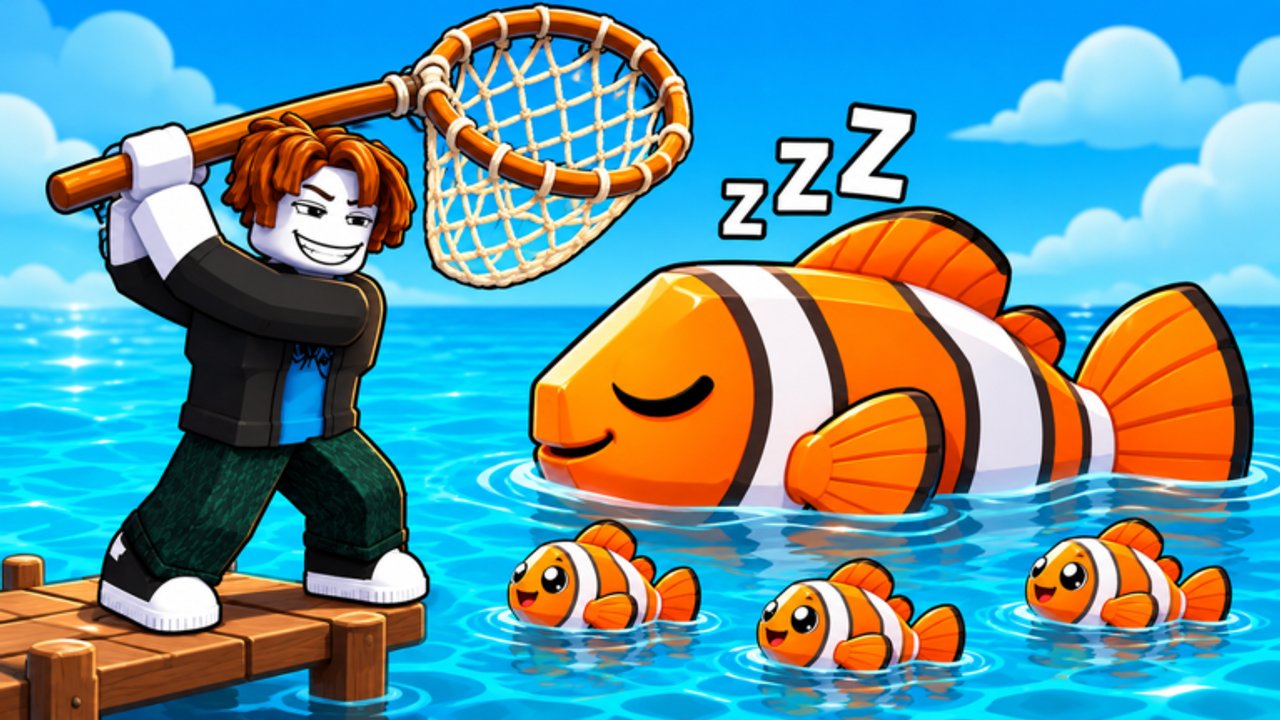
This page is the map and doorway for the Net a Fish fan wiki. Start here if you need the official experience link, a clean list of every major hub, or a short briefing on how to use the site without getting lost in duplicate Discord screenshots.
Official game
- Play Net a Fish on Roblox — free Roblox experience by UpdatesDev. Throw nets, showcase fish for cash per second, upgrade docks and helpers, hatch Ocean/Abyss pets, rebirth into new worlds, then push into Crew Wars, Megalodon, and Kraken content.
Favorite the experience and join from that link so you land on the correct place ID. Server size is eight players. Always redeem codes in-game after your first catch; this wiki never asks for your password or items.
How to use this wiki
- New account today — read Getting Started, then redeem everything on Codes.
- Need income — upgrade toward Titanium/Mythril nets via Upgrades, fill pedestals, and fuse duplicates with Fusion.
- Need rankings — open the Tier List Hub, then Fish Rarity and Pets.
- Spending Robux — compare timing on Game Passes after skimming playstyles on the Players Hub.
- After a patch — start at Updates, refresh codes, then check Events and Rebirth.
- Pets stuck — Pets and Crates plus the pets tier list.
Internal links on this site use trailing slashes and stay locale-agnostic in the English sources. Use the header language buttons if you prefer French, German, Spanish, or Brazilian Portuguese pages.
Curated wiki hubs
Progression
- Codes — working rewards, redemption steps, expiry notes
- Getting Started — first-hour checklist
- Upgrades — nets, dock, helpers, spend order
- Fusion — Shiny / Gold cooler ladder
- Rebirth — when to reset and what unlocks
- Pets and Crates — Ocean vs Abyss, leveling
- Events — River, Awakening, boss windows
Rankings and players
- Tier List Hub — meta overview
- Fish Rarity Tier List — Legendary through Obsidian Awakenings
- Pets Tier List — crate priority and slots
- Players Hub — playstyles and crew roles
- Game Passes — Auto Throw, 2x Money, Pet Slot, and more
Tracking and tools
- Updates — November 2026 patch-style notes and milestone waves
- Scripts — educational discussion only; exploiting breaks Roblox Terms of Use and risks bans or malware. Prefer codes, skill, and official passes.
Community tips (safe practices)
- Redeem codes the same day a visit milestone hits; popular strings die quietly.
- Screenshot pass prices before buying if you are price-sensitive—bundles near 999 Robux move with store edits.
- Do not trust random “free Robux” or “inline executor” ads layered over fan videos.
- For Crew Wars, coordinate on Roblox chat or the developer’s linked community channels from the official game page—this wiki does not host private Discord invites that rot.
- When a YouTuber shows a pet name (for example Bloodtide Orca), compare the live tooltip in your inventory before rearranging slots.
What this wiki is (and is not)
This is an independent fan resource for SEO-friendly guides, tier lists, and update tracking. It is not operated by UpdatesDev or Roblox Corporation. Game mechanics, prices, and code lists can change without notice. When the client disagrees with an article, trust the client and check Updates for the next correction cycle.
Legal reading for the website itself lives at the English-only /terms/, /privacy/, and /cookies/ pages.
Suggested first hour using only these links
Play via Play Net a Fish on Roblox → finish the tutorial catch → claim Codes → follow Getting Started until Titanium is on your shopping list → open free crates from Pets and Crates → park the best fish using guidance on Fish Rarity → decide AFK versus active spending with Game Passes. When the first rebirth looms, read Rebirth before you confirm.
Bookmark this Links Hub if you share the wiki with friends; it is the fastest way to hand someone both the official game button and the correct deep links without pasting ten separate URLs.
Keep casts clean, keep showcases honest, and keep this page handy whenever UpdatesDev drops the next visit code wave.
Frequently Asked Questions
Quick answers for Net a Fish players.
Is this the official Net a Fish website?
No. This is a fan-made wiki. The official experience is the Roblox game linked above as Play Net a Fish on Roblox.
Where do I redeem codes?
Inside the Roblox game after your first catch. Use the Codes control or Settings path described on the Codes hub—never enter codes on random third-party forms.
Which link should I share with a new player?
Send this Links Hub plus the official Roblox game link. From here they can reach Getting Started, Codes, and the tier lists without hunting.
Do you host a Discord invite?
We point you to whatever community link UpdatesDev publishes on the official Roblox page so invites stay current. Rotten invite pastes are omitted on purpose.
Are scripts safe to use?
Exploits violate Roblox Terms of Use and often bundle malware. Read the Scripts hub for the risk framing, then progress with codes, passes, and normal gameplay instead.